
AMPED UP AUDIO VIDEOSanta Clara County and Bay Area
Powerful Technology.
One Connected
Property.
Audio, Networking & Security Installation In San Jose.
Great sound. Better Wi-Fi. Smarter security.
Sonos audio and Ubiquiti UniFi networks, cameras and entry systems—designed and installed around your home or business.
Equipment sales · System design · Installation · Support
 NetworkWi-Fi, gateways & switchingA stronger foundation
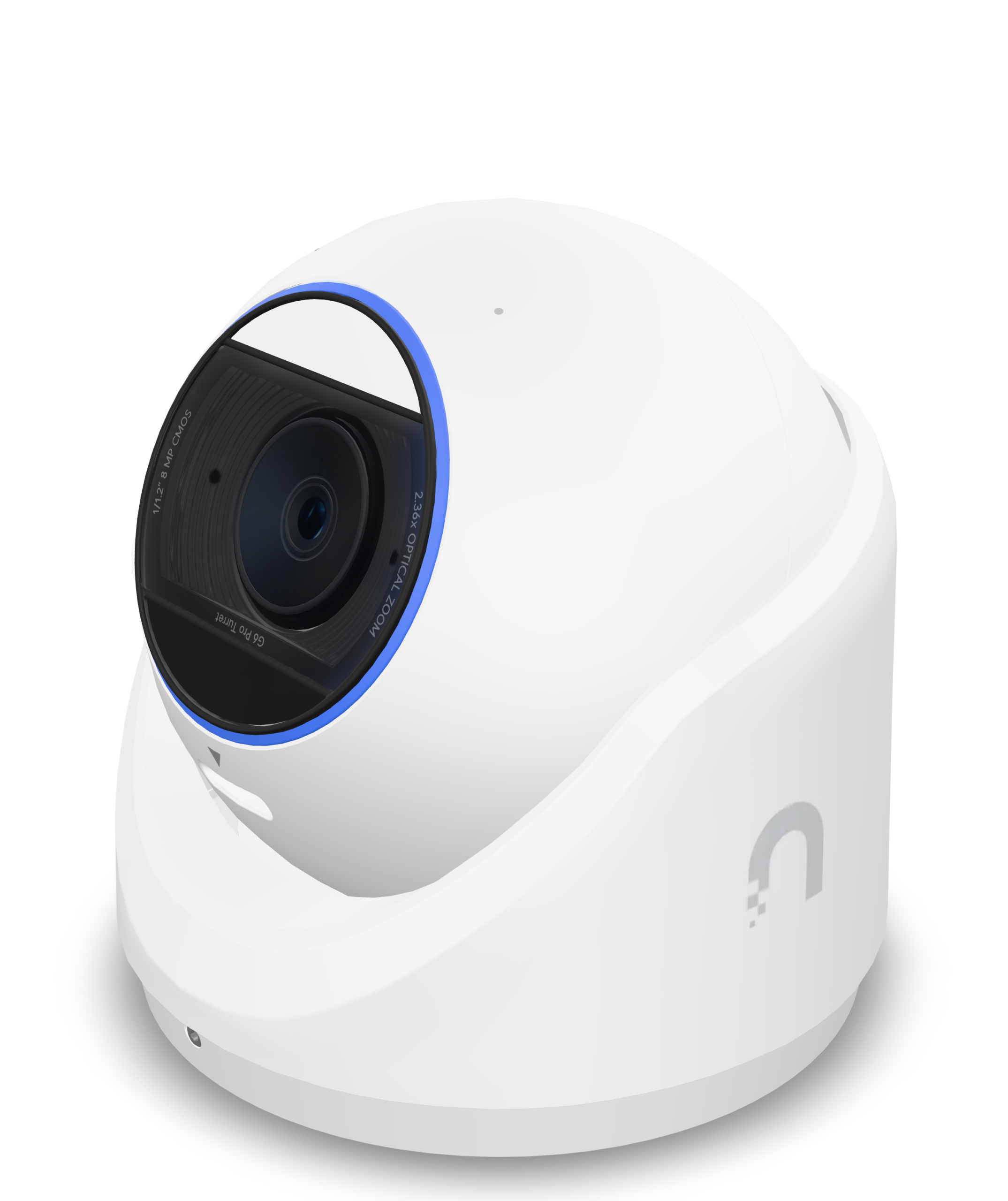 ProtectAI-enhanced video securitySee what matters
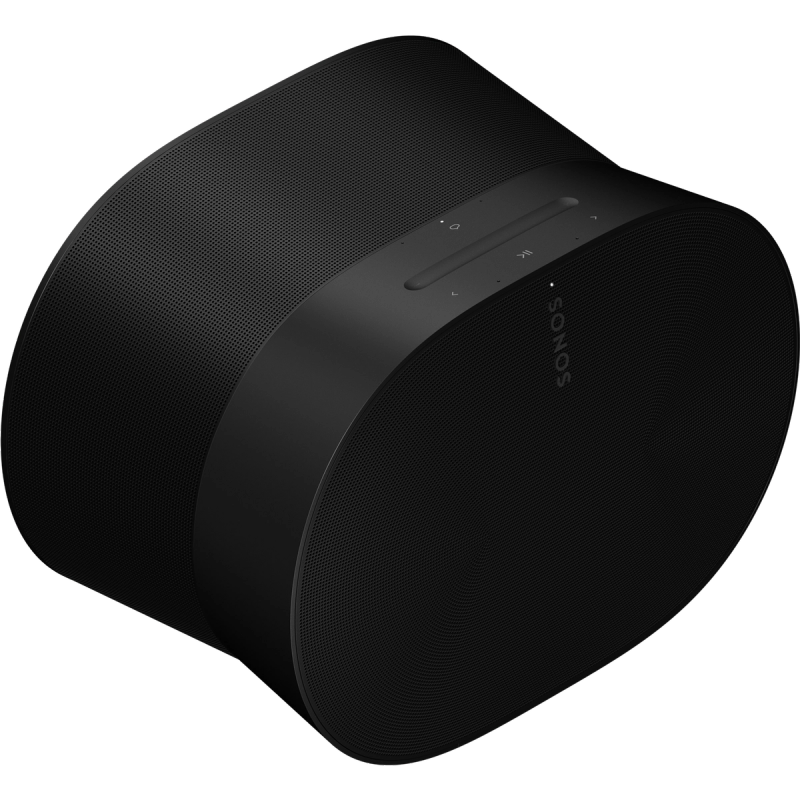 Sonos MusicWhole-home & spatial audioEvery room. Your soundtrack.
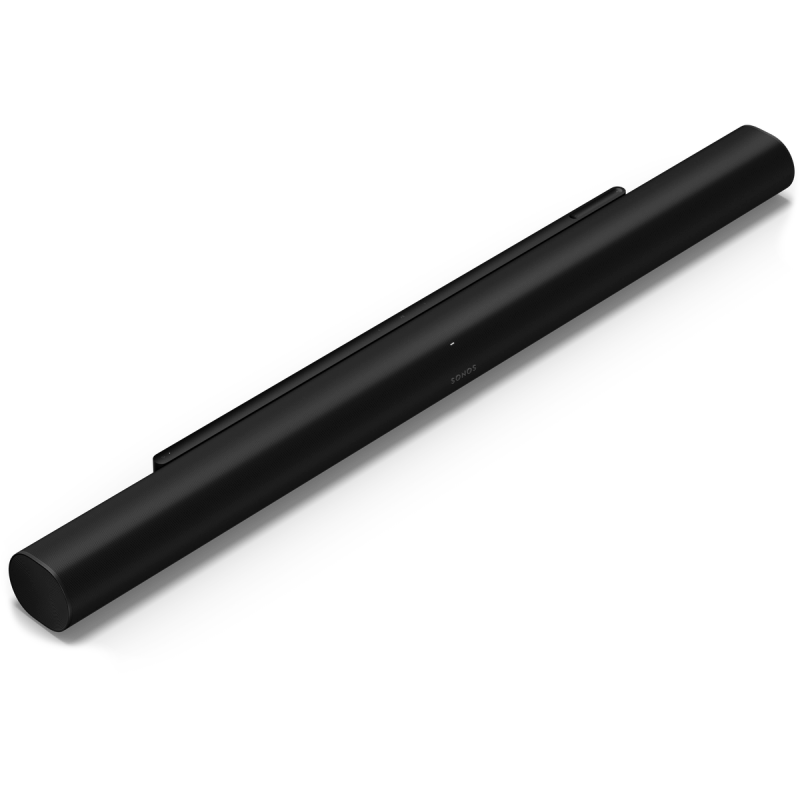 Sonos TheaterSoundbars, bass & surroundsFeel every scene.
SAN JOSE & SANTA CLARA COUNTY
Local Installation.
A Clear Plan For Your Project.
Explore installation services for your home or business. Each system starts with the spaces you use, the equipment you have and the results you want.
Security Camera Installation
AI-enhanced cameras, thoughtful placement, local recording and useful notifications.
Camera Installation In San Jose ↗Network & Wi-Fi Installation
Property-wide coverage planned with cabling, gateways, switching and connected devices.
Network Installation In San Jose ↗Sonos & Whole-Home Audio
Music in more rooms, better TV sound and compatible installed speakers.
Sonos Installation In San Jose ↗YOUR PROPERTY. WORKING AS ONE.
Great Systems Start
With A Connected Foundation.
Sonos brings the music and home theater. Ubiquiti builds the network, video security and entry control. Amped Up Audio Video brings the equipment, cabling, placement and configuration together into a thoughtful plan for your property.
Music & Home Theater
Enjoy music in every room, cinematic TV sound and installed speakers that fit your space.
Explore Sonos Audio ↗Wi-Fi & Networking
From an existing home with weak coverage to a business with growing demands, build a network around the people and devices using it.
Explore Networking ↗AI-Enhanced Cameras
Bring live views, recorded video and intelligent detection together in UniFi Protect, with camera choices tailored to each location.
Explore Camera Security ↗Door & Gate Access
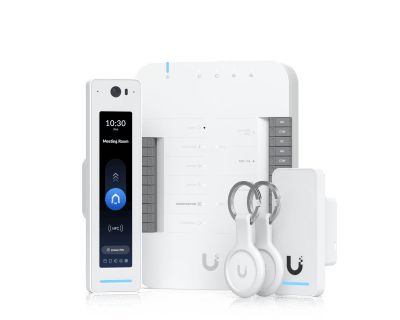
Modernize entry with managed credentials, intercoms and schedules. Give the right people access to the right places.
Explore Access Control ↗SONOS / SOUND FOR YOUR WHOLE PROPERTY
Your Music.
Your Movies.
Every Room.
From a better TV experience to music throughout your home, Sonos gives you a range of speakers and installed audio options. We help you choose what fits, place it properly and make it easy to use.
Design Your Sonos System ↗Home Theater
Start with a soundbar, add bass, then surround yourself with a compatible pair of rear speakers. We plan the equipment around your TV, room and listening priorities.
See The Details ↗Wireless Speakers
Era 100, Era 100 SL, Era 300 and Five offer different ways to listen. Play music in one room or group rooms for the same soundtrack.
See The Details ↗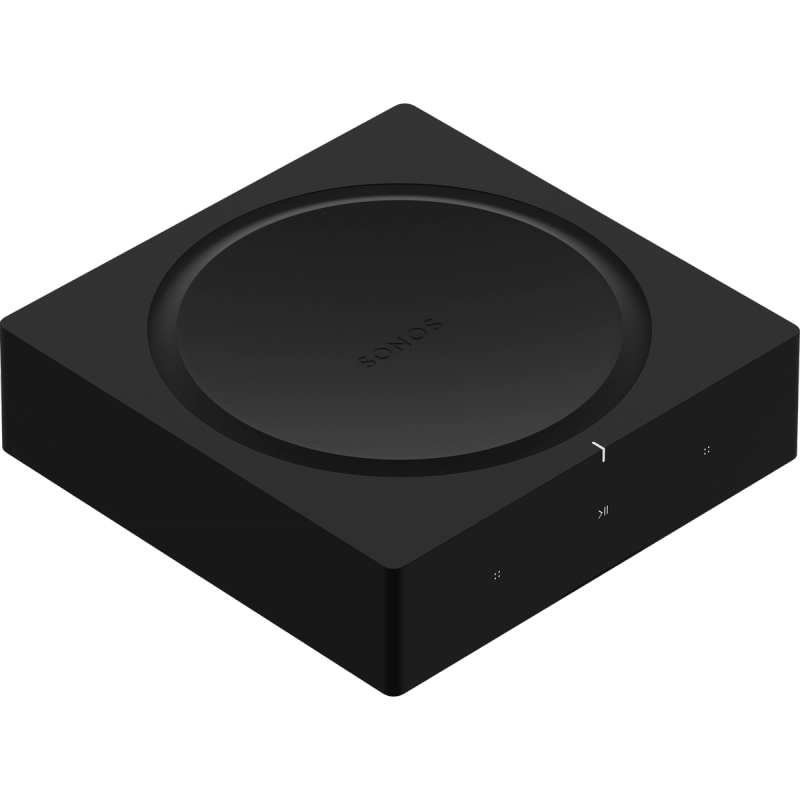
Architectural Audio
Sonos Architectural by Sonance includes in-ceiling, in-wall and outdoor speakers. Sonos amplification brings installed passive speakers into a connected audio system.
See The Details ↗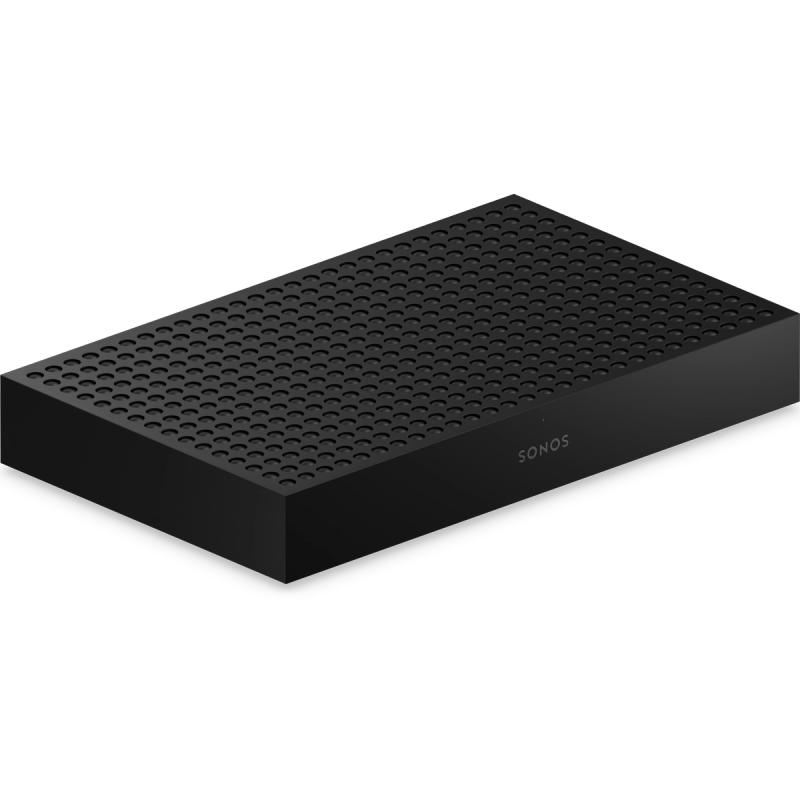
Amp Multi
Eight amplified outputs and up to four zones in one unit give larger installed systems a flexible foundation. We plan speaker loads, zones and rack layout together.
See The Details ↗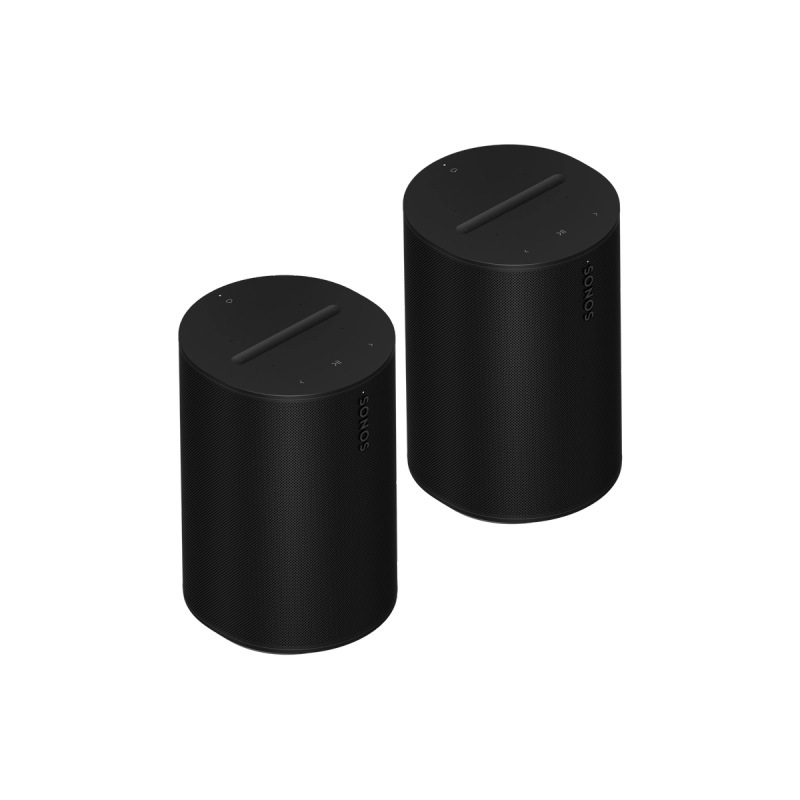
Era 100 Pro
A purpose-built installed speaker with PoE+ power and network connectivity. A natural opportunity to plan your audio cabling and UniFi switching together.
See The Details ↗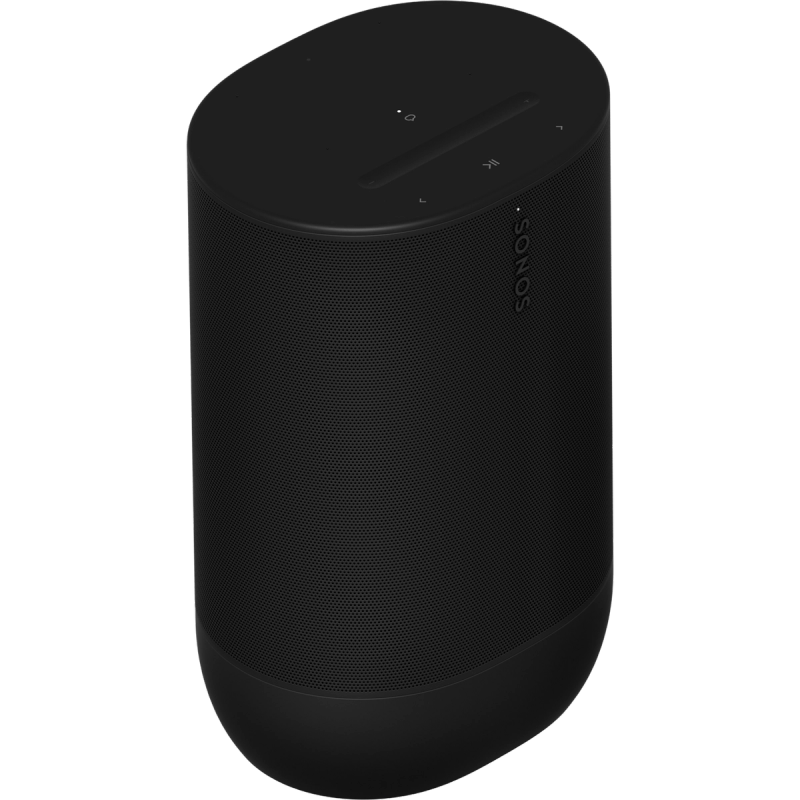
Portable Listening
Move 2, Sonos Play and Roam 2 combine portable listening with the wider Sonos range. Choose the size, durability and connectivity suited to how you listen.
See The Details ↗Sonos product photography courtesy of Sonos. Equipment availability and compatibility are confirmed in your proposal.
SONOS HOME THEATER
Bring The Scene
Into The Room.
Make dialogue easier to follow, add weight to the action and enjoy your favorite music through the same system. We match the setup to your room rather than choosing a package by size alone.
Sonos Arc Ultra · Example home theater equipmentA Soundbar For Your TV
Arc Ultra uses Sound Motion technology and supports Dolby Atmos. The Beam family offers compact Atmos options, while Ray offers a simpler TV-sound upgrade. We check your TV connections and sources before selecting equipment.
Bass With Impact
Sub 4 and Sub Mini add dedicated low-frequency sound to compatible Sonos systems. We choose the subwoofer and location for the room, listening level and equipment it will join.
Compatible Rear Surrounds
Two matching, supported Sonos speakers can serve as rear surrounds. Era 300 offers an immersive option with compatible Atmos soundbars; the exact pairing depends on the main speaker.
Connections Done Properly
TV ports, audio formats, source settings and cable paths all affect the result. We check HDMI ARC/eARC or optical requirements and configure the agreed setup.
Tuning For The Room
Supported Trueplay tuning adjusts sound for the space. Available tuning methods depend on the Sonos product and phone or tablet used; we review the options during setup.
Private Listening Options
Sonos Ace and Ace Ultra headphones add another way to enjoy entertainment. TV Audio Swap works with supported soundbars and configurations; headphones are a separate listening option.
SONOS MUSIC / MULTIROOM LISTENING
One Song Everywhere.
Or A Mood
For Every Room.
Play a podcast in the kitchen, music in the living room or group rooms when you are entertaining. We design around the places you actually listen.
Sonos Era 300 · Spatial audio speakerSpeakers That Fit The Space
Choose compact Era speakers or Five for dedicated music listening. Speaker locations, room acoustics and where you sit guide the selection.
Stereo Or Spatial Audio
Supported matching speakers can form a stereo pair. Era 300 supports Dolby Atmos music through compatible services and playback methods; spatial audio requires supported content.
Simple Everyday Control
The Sonos app brings supported music services and room controls together. AirPlay 2, Bluetooth and voice options vary by product; we help select the controls you want.
Music Beyond The Living Room
Portable Move 2, Sonos Play and Roam 2 offer Wi-Fi and Bluetooth listening. Permanent outdoor installations use appropriately rated speakers and planned wiring.
Keep Your Existing Hi-Fi
Sonos Port adds streaming to a compatible receiver or amplified stereo system. Amp powers passive speakers. We check the existing equipment and connections before recommending either.
A Network Built For Audio
We plan coverage and wired connections where appropriate, then configure the network for supported Sonos communication. Consistent audio starts with suitable placement and connectivity.
SONOS AMPLIFICATION / ARCHITECTURAL SPEAKERS
Sound That Belongs
In Your Home.
For new construction, remodels or an existing wired-speaker system, we bring amplification, speaker placement and room control into one plan.
Amp
Power compatible passive speakers with 125 watts per channel at 8 ohms. Add streaming, use the RCA line input, or connect a compatible TV through HDMI ARC.
Sonos Amp Details ↗Amp Multi
Designed for professional installation, with eight 125-watt outputs at 8 ohms and up to four zones. Output assignment and ProTune controls support a tailored installed system.
Sonos Amp Multi Details ↗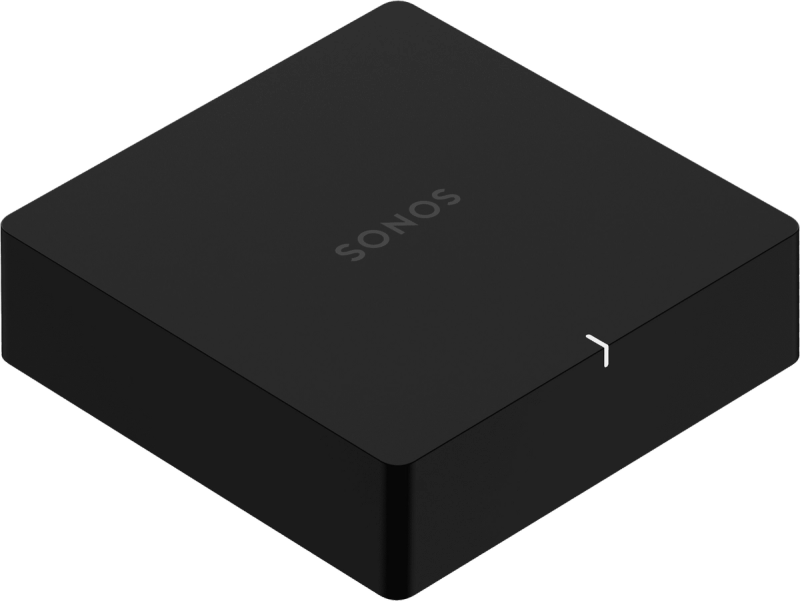
Port & Architectural Speakers
Port connects streaming to an existing amplified system. In-ceiling, in-wall and outdoor Sonos Architectural by Sonance speakers offer installed options with suitable amplification.
Explore Architectural Audio ↗Plan The Wiring Before The Walls Close.
Speaker locations, cable routes, zones, amplification and equipment ventilation are part of the design.
SONOS FOR BUSINESSES
Set The Tone.
Keep Control.
Thoughtful sound can help a shop, restaurant, studio or office feel welcoming. We plan speakers and zones around your layout and how the space is used.
Sonos Era 100 Pro · Professional installed audioEra 100 Pro + PoE+
Power and data travel over one Ethernet cable with compatible power-sourcing equipment. We check UniFi switch port requirements and total PoE capacity for the selected speakers.
Installed Listening Zones
Supported Sonos zone configurations help manage multiple speakers as a listening area. We plan coverage, mounting and volume around customers and staff.
Optional Sonos Pro
A separate Sonos Pro subscription offers remote management, music scheduling and commercially licensed music options for eligible businesses. Plan details and costs are reviewed separately.
Access & Daily Routines
Supported Pro controls can limit employee access and schedule playback. We discuss who manages the music and how the system should behave during your business day.
SONOS + UBIQUITI / ONE PROJECT PLAN
The Sound You Love.
The Foundation It Needs.
We design your audio and network together, while each platform keeps its own controls: Sonos for listening, UniFi for network, video and access management.
At Home
Pair room-by-room music and TV sound with planned Wi-Fi coverage, wired infrastructure and Ubiquiti cameras.
At Your Business
Plan Sonos installed audio alongside UniFi networking, PoE capacity, camera coverage and door access.
In A Remodel
Coordinate speaker wire, Ethernet, ceiling locations and equipment space before finishes are complete.
For Future Growth
Leave room in cable paths, amplification, switch ports and power budgets for the next stage of your property.
UNIFI NETWORK
Wi-Fi That Keeps Up.
A Network That Grows.
A good network is more than a faster router. We plan access-point locations, cable runs, switching and gateway capacity around your building and the way you use it.
Improve Your Network ↗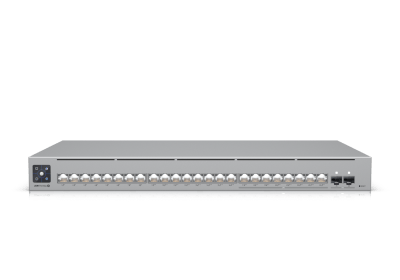 Ubiquiti Pro Max 24 PoE · Example network hardware
Indoor & Outdoor Wi-Fi
Ceiling, wall and outdoor access points let us match coverage to the space. Wi-Fi 7 options support newer devices; performance depends on the model, client devices and environment.
Gateways & Network Security
UniFi gateways bring routing, firewall policies and supported intrusion detection and prevention together. We choose capacity for your internet service and connected devices.
PoE Switching & Cabling
Power over Ethernet carries power and data over one cable to compatible access points and cameras. We plan switch ports, power budgets and cabling with room for growth.
Separate Networks
Keep guests, business devices, cameras and smart-home equipment in appropriately configured network segments, with access rules suited to your needs.
Remote & Multi-Site Connectivity
Supported VPN and site-to-site options connect authorized users and locations. Backup internet can be added where the gateway, service and project call for it.
Visibility & Troubleshooting
UniFi management brings device status and traffic insights into one place. Clean labeling, organized equipment and a proper handoff make the network easier to understand.
UNIFI PROTECT / UBIQUITI CAMERAS
More Than Recording.
Intelligent Detection.
Our camera systems use Ubiquiti UniFi Protect. New-generation G6 and AI-series options bring AI-enhanced detection to your property, helping you find relevant activity and review events faster.
Design Your Camera System ↗Ubiquiti G6 Bullet · Example camera hardwarePeople & Vehicles
Smart detections help distinguish people and vehicles from ordinary movement, so you can focus your review on the activity that matters.
Face & Plate Recognition
Compatible G6 and AI models can recognize faces and read license plates. Camera selection, placement and lighting matter; these features are not available on every model.
Alerts Around Your Priorities
Use detection events and configured rules to surface relevant activity. Compatible models offer line-crossing detection, with options suited to entries, driveways and other key areas.
Find Events Faster
Search recordings by supported detection types. Optional AI Key hardware adds natural-language search and other advanced analysis capabilities to compatible systems.
Local Recording & AI
Protect stores footage on your local recording hardware. Detection processing runs on the camera or compatible local AI hardware, rather than requiring cloud video analysis.
Live Views, Wherever You Are
View live and recorded video through the Protect app or web interface when remote access is configured. Choose bullet, turret, dome, compact or PTZ cameras for the location.
Detection features depend on the camera and supporting hardware. For example, face and plate recognition exclude certain 360° models; line-crossing support varies, and audio detection requires a microphone. We specify the capabilities included in your system.
See Ubiquiti's Camera Detection Guide ↗The Right View. The Right System.
We plan field of view, night coverage, network power and recording storage around your property.
UNIFI ACCESS
Right Person.
Right Door.
Right Time.
Replace scattered keys and disconnected entry systems with a coordinated access plan. We help match UniFi readers, hubs and intercoms to the doors, gates and people at your property.
Plan Access Control ↗Ubiquiti G3 Starter Kit Pro · Example access hardwareCards, Phones & PINs
Choose credential methods for your users. NFC cards, mobile unlocking, PINs and wallet-based Touch Pass options are supported by compatible readers and configurations.
Permissions & Schedules
Control which users can enter which doors, and when. Access policies can reflect work hours, restricted areas and different user groups.
Visitors & Intercoms
Compatible intercom readers support visitor communication and remote entry workflows. Visitor schedules and supported QR credentials help manage temporary access.
Doors, Gates & Elevators
UniFi offers dedicated control hardware for different entry points. We assess the opening, existing hardware and project requirements before recommending a system.
Connected Video & Entry
Protect and Access can work together for supported door-monitoring workflows, giving authorized users more context around entry activity.
Designed For The Opening
Reader locations, cabling, lock compatibility and the way people enter and exit all matter. We plan the installation around your building, not just the product box.
MORE FROM THE UBIQUITI ECOSYSTEM
A Platform With Room
For What Comes Next.
Beyond networking, cameras and entry, UniFi includes equipment for communication, storage, displays and resilience. Let's discuss which additions fit your project.
Wireless Bridges
Connect separate buildings or reach locations where a new cable run is difficult, using equipment selected for the path and environment.
Storage & Power
Explore UniFi network storage, UPS and power-distribution options for organized infrastructure and continuity planning.
Phones & Displays
UniFi Talk phones, intercoms and Connect display products expand what a connected business can do.
Audio & Backup Internet
Ubiquiti's audio products and cellular backup options offer more ways to build around your network.
Equipment compatibility, service requirements and any optional subscriptions are reviewed as part of your proposal.
Browse Ubiquiti's Wider Ecosystem ↗CONNECTED LIVING, TOO
A Smarter Property.
A More Enjoyable Home.
Technology should feel natural. Alongside Ubiquiti, we integrate Control4 automation, Sonos audio and Lutron lighting and shades to bring comfort, entertainment and everyday control together.
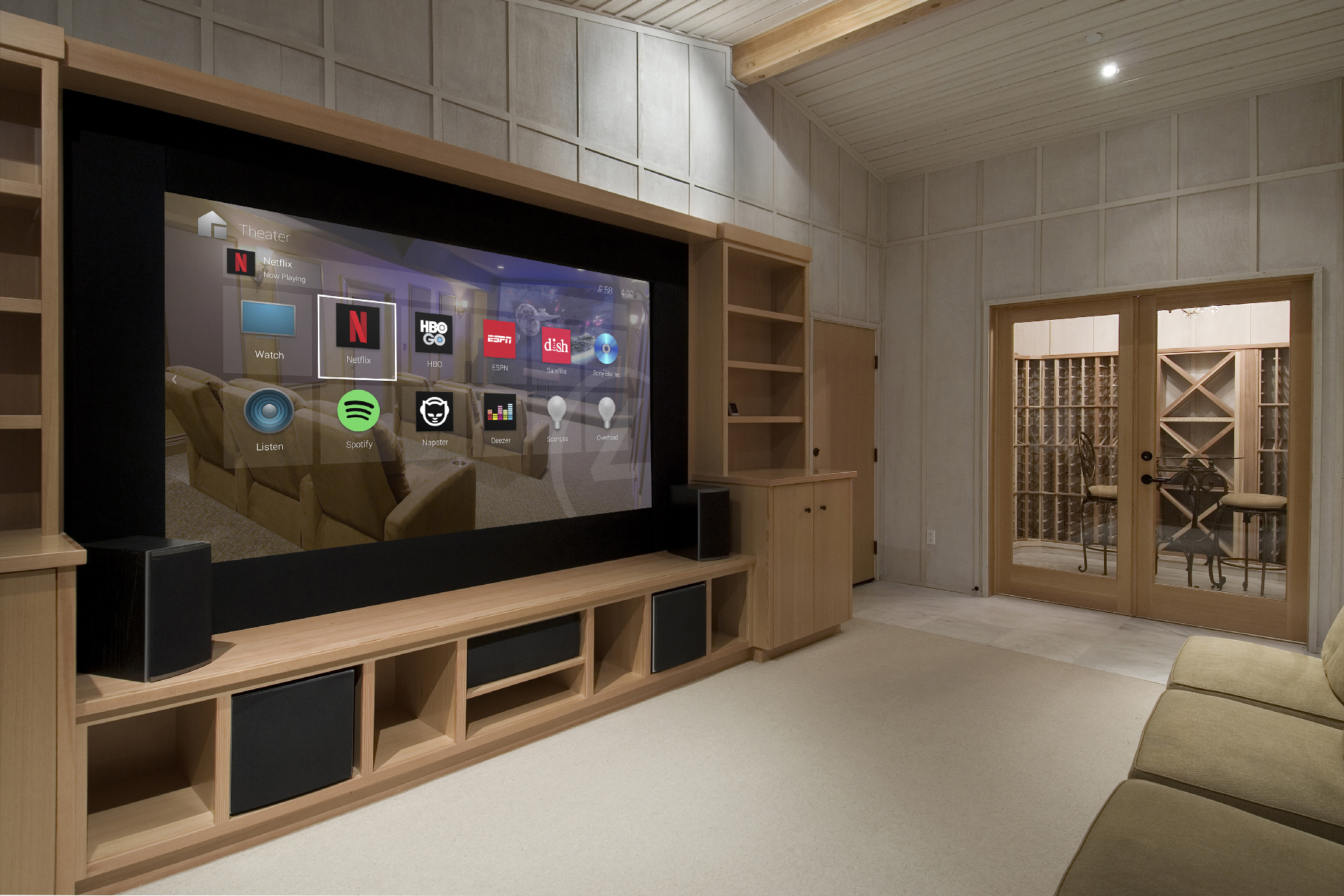
Home Theater & Automation
Bring screens, sound and everyday controls together.
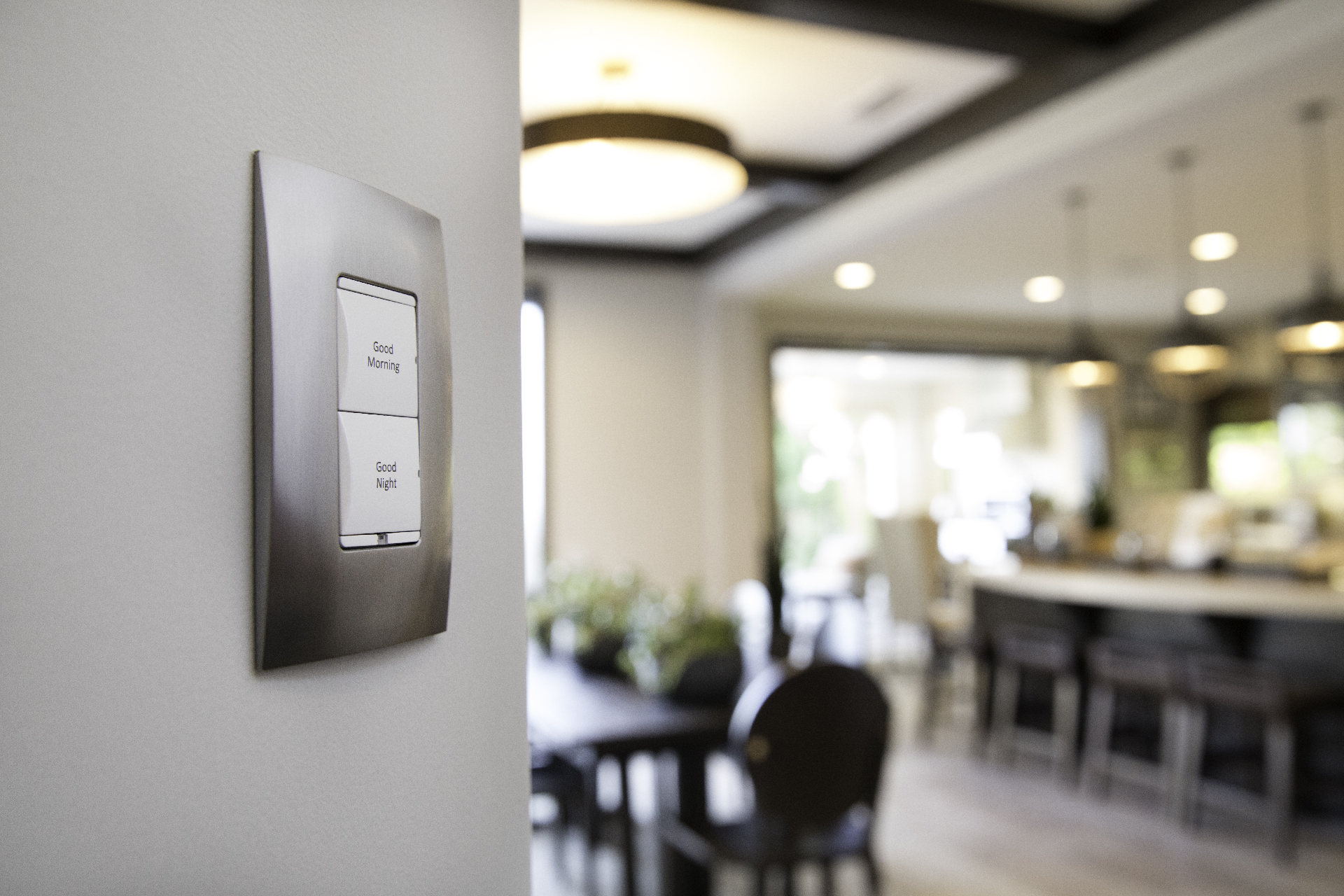
Lighting & Shades
Plan lighting scenes and motorized shades around daily life.
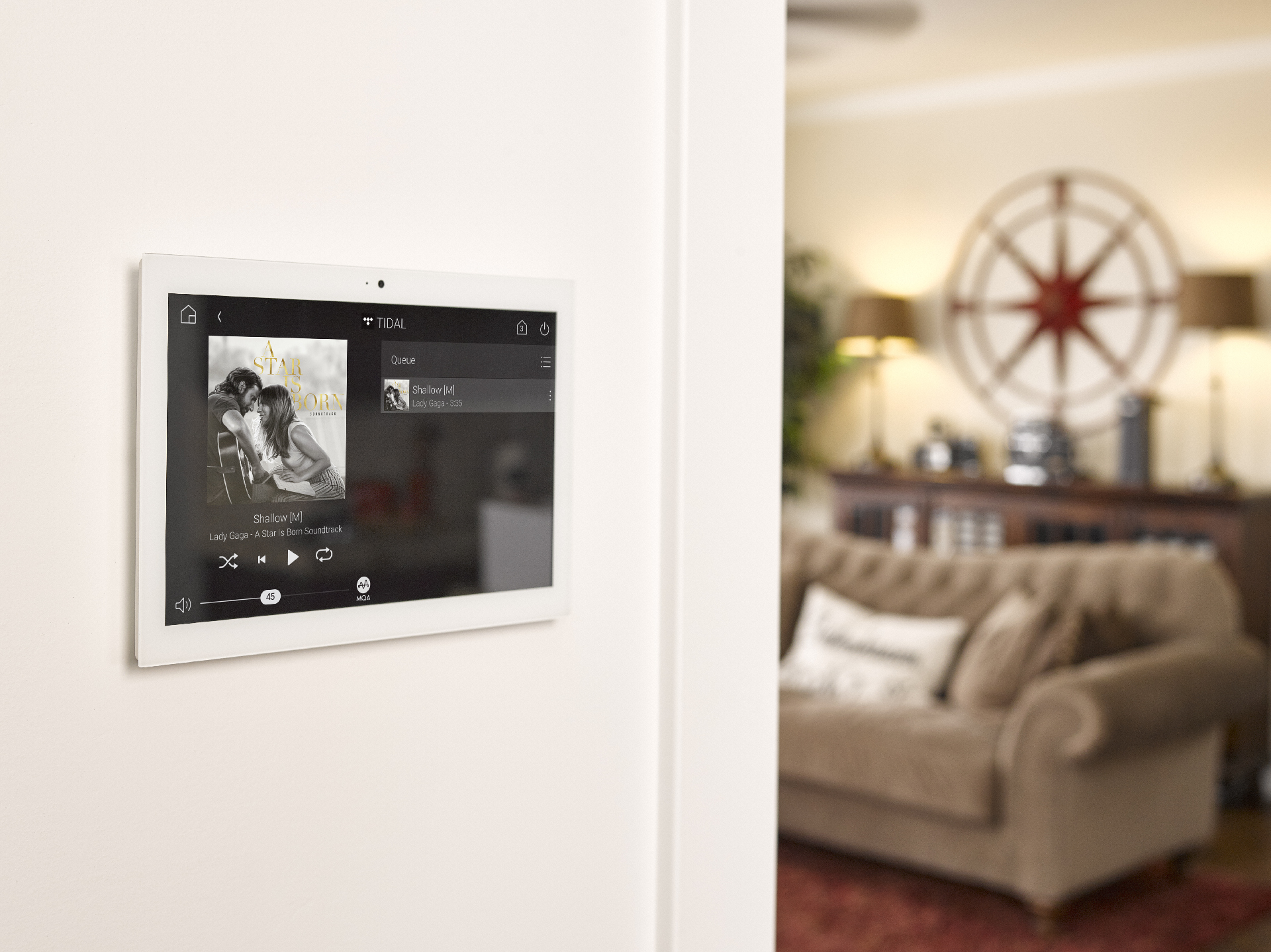
Whole-Home Audio
Enjoy music throughout your home and better TV sound.
Lifestyle inspiration photos from our media library, courtesy of Control4. Product choices are tailored to your system.


LOCAL EXPERTISE. THOUGHTFUL INSTALLATION.
From The First Idea
To Everyday Use.
Amped Up Audio Video serves San Jose and surrounding Santa Clara County. Whether you're upgrading one part of an existing system or planning a connected property from the start, talk directly with Chris about the right approach.
Understand Your Space.
We discuss listening rooms, TV sound, network coverage, security, entry points and existing equipment.
Design It As A System.
Speaker zones, equipment, cable paths, camera views, switch capacity and recording storage are planned together.
Install, Configure & Explain.
We bring the hardware together, configure the agreed features and walk you through using your system.
A FEW GOOD QUESTIONS
Know What
You're Getting.
Will Sonos And UniFi Use The Same App?
They are separate platforms. Sonos manages audio, while UniFi manages networking, cameras and access through its applications. We plan the network and installation together and explain the controls for each system.
Can You Use My Existing Speakers?
Often, yes. Sonos Amp or Amp Multi can power compatible passive speakers, while Port adds Sonos streaming to a compatible amplified system. We review speaker impedance, wiring and existing equipment first.
Does Every Sonos Speaker Support Atmos Or Work As A Surround?
No. Spatial audio, surround pairing, tuning and TV connections vary by model. We check the soundbar, rear speakers, TV and content sources so the specified system is compatible.
Are All Camera AI Features The Same?
No. G6 and AI-series cameras offer intelligent detection, but capabilities vary. Some advanced tools need AI Key or AI Port hardware, and certain camera types have exclusions. We identify the features in your proposal so you know what the system will do.
Do I Need A Cloud Recording Subscription?
Core UniFi Protect records locally and does not require a cloud recording subscription. You still need suitable recording hardware and drives. Optional services, connectivity and support may have separate costs.
Can You Upgrade An Existing Network Or Camera System?
Yes. We can review existing equipment and cabling, then recommend what to keep and what to replace. Some third-party cameras can connect to Protect through ONVIF; recording and detection capabilities depend on compatibility and supporting hardware.
Can You Help Choose And Supply The Equipment?
Yes. We sell Ubiquiti and Sonos products and help select equipment for your space. Networking, camera, access-control and smart-home needs can be discussed together.
Can I Start With One Part And Expand Later?
Yes. A thoughtful plan for cabling, switch power, gateway capacity and recording storage can make later additions easier. Tell us where you'd like the system to grow.
LET'S BUILD YOUR CONNECTED PROPERTY
Good Technology.
Better When It's
Done Right.
Tell Chris about your home or business. We'll help you find a practical path from what you have to what you need.
1-408-841-3991info@ampedupav.netLet's Talk About Your Project.
Sonos audio, networking, cameras, door access or a smarter home—tell us what you have in mind.